

Public sector · Software · Interactive systems · Hardware
A complete digital and interactive installation for a public space.
For the Municipality of Sevnica, we delivered a public-sector project combining custom software, an interactive kiosk, digital content, hardware and physical installation on site.
Delivered and accepted a month ahead of the contractual deadline.
Overview
- Client / product
- Municipality of Sevnica
- Epix role
- Development, hardware, content and on-site delivery
- Project type
- Public-sector project
- Engagement type
- selected through a public tender
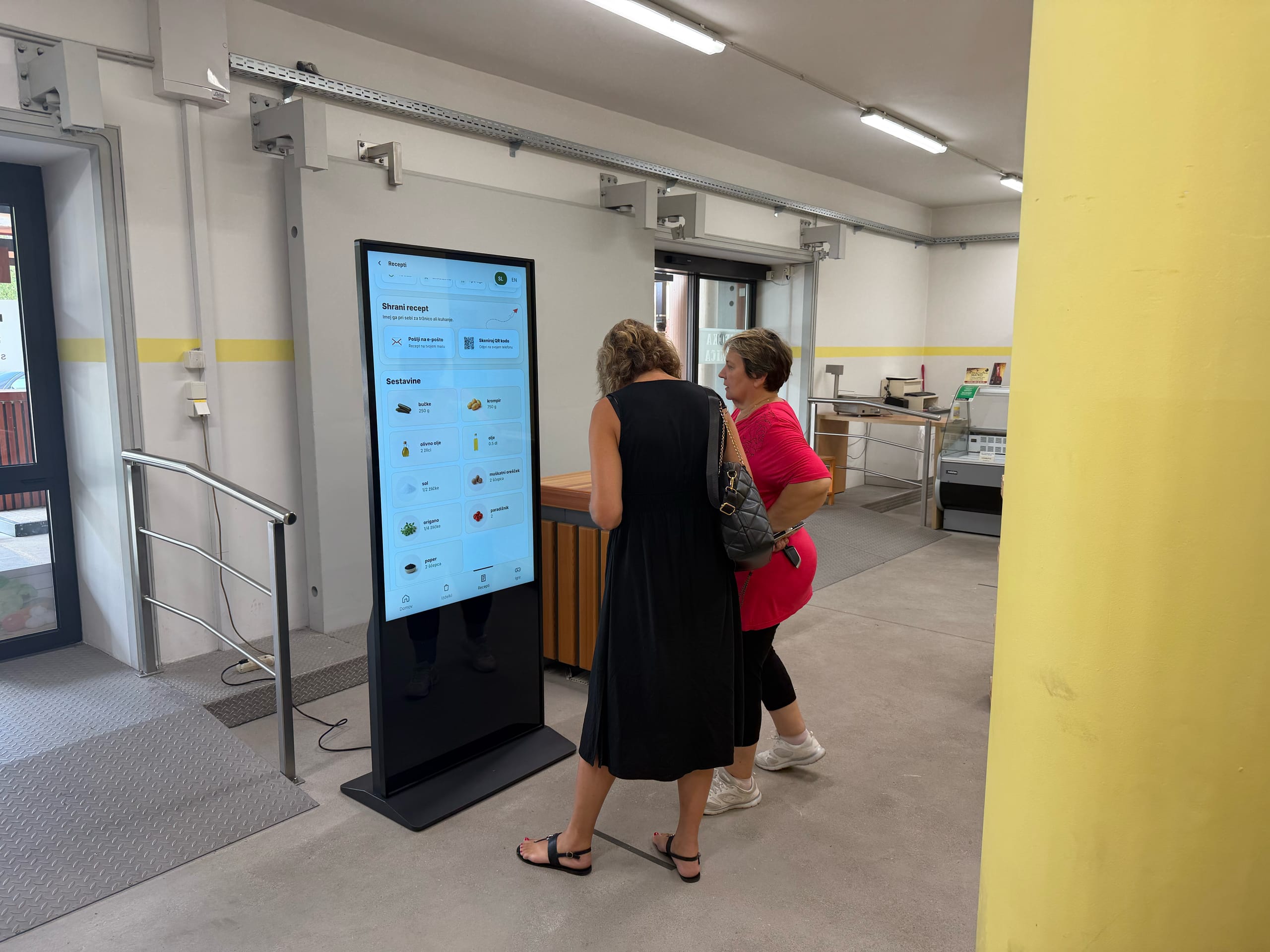
The project
Zdravo Jem is a public-sector project where Epix took responsibility not only for the software, but for the entire digital and physical implementation.
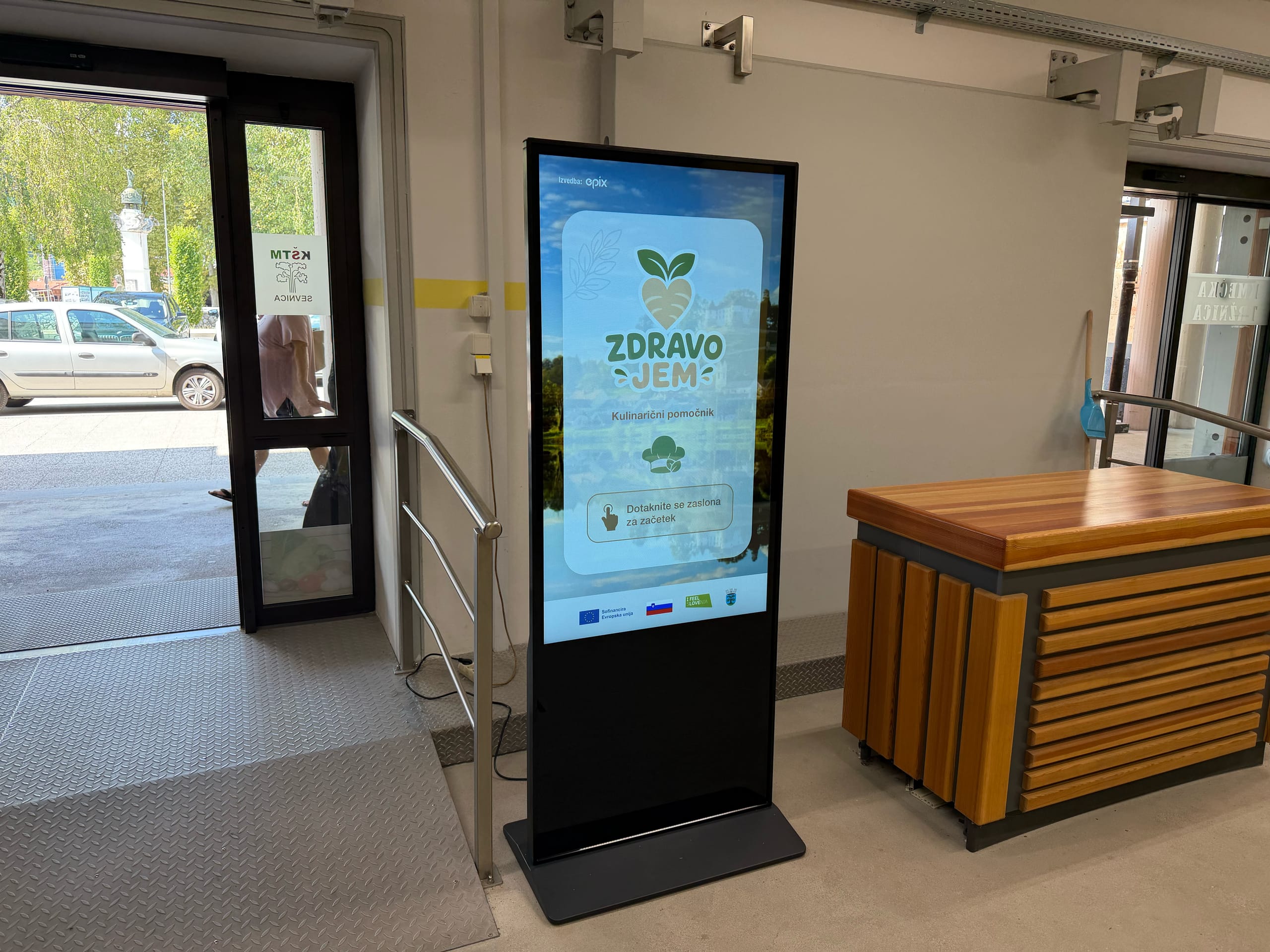
The solution includes a 55-inch interactive touch kiosk with a dedicated Windows configuration and digital content designed for unattended use in a public space.
We developed the interactive content and the user experience, configured the hardware and software, tested the system, installed it on site and handed it over.
The project also included the physical elements of a children's corner and the coordination between the digital and physical parts of the installation.
Projects like this show how Epix works on public contracts: one project structure covering development, hardware, content, implementation, testing and support.
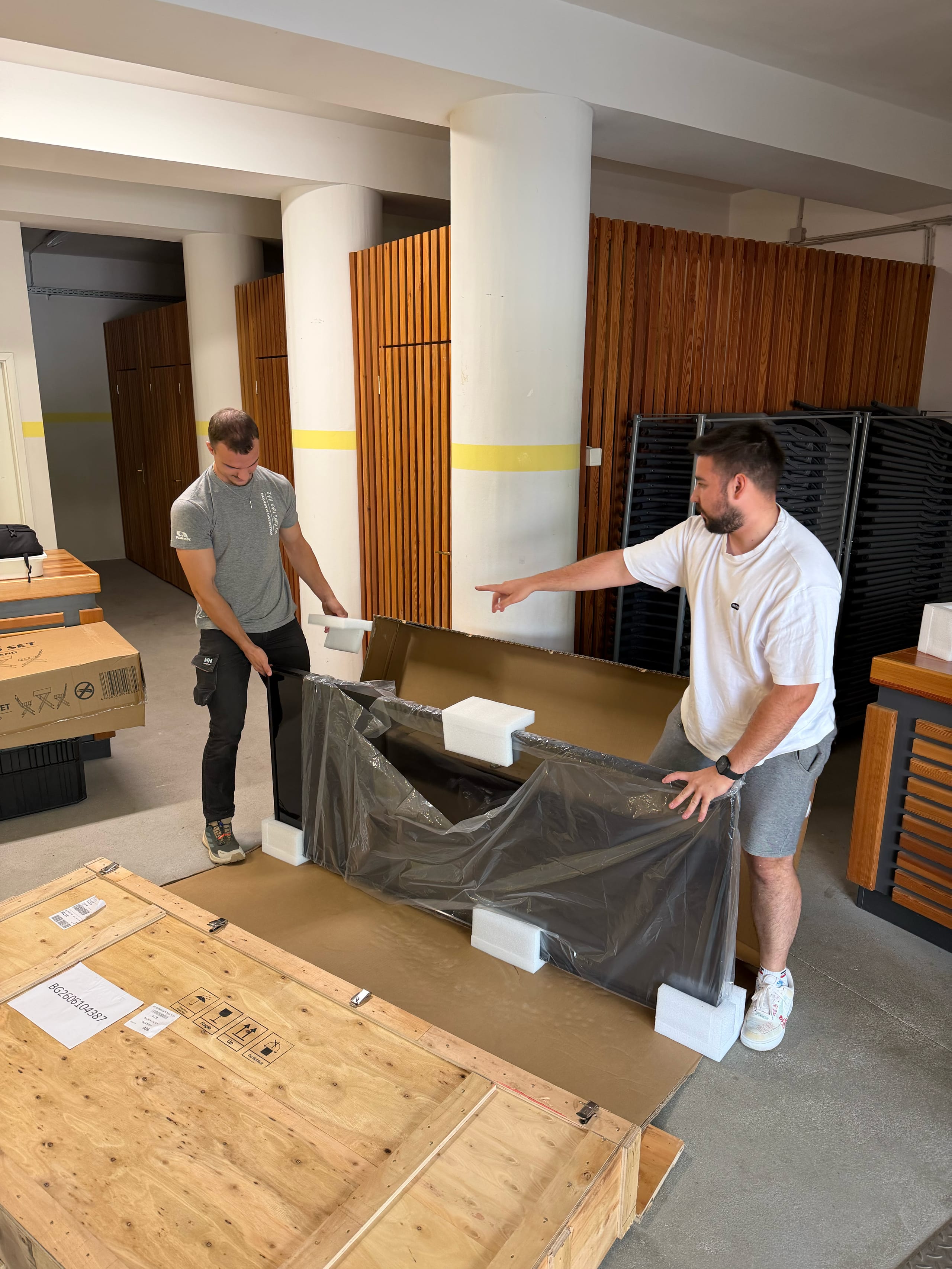
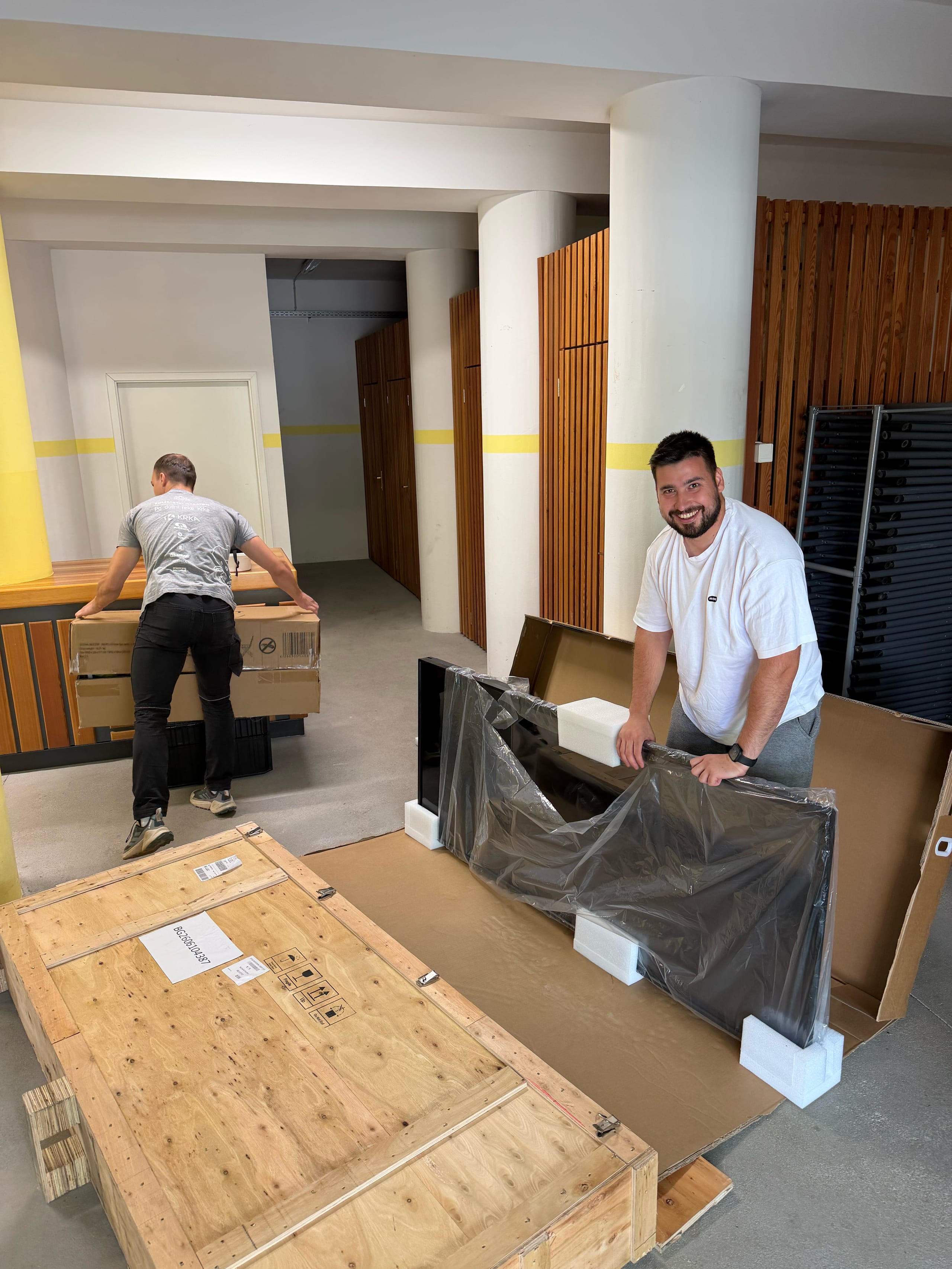
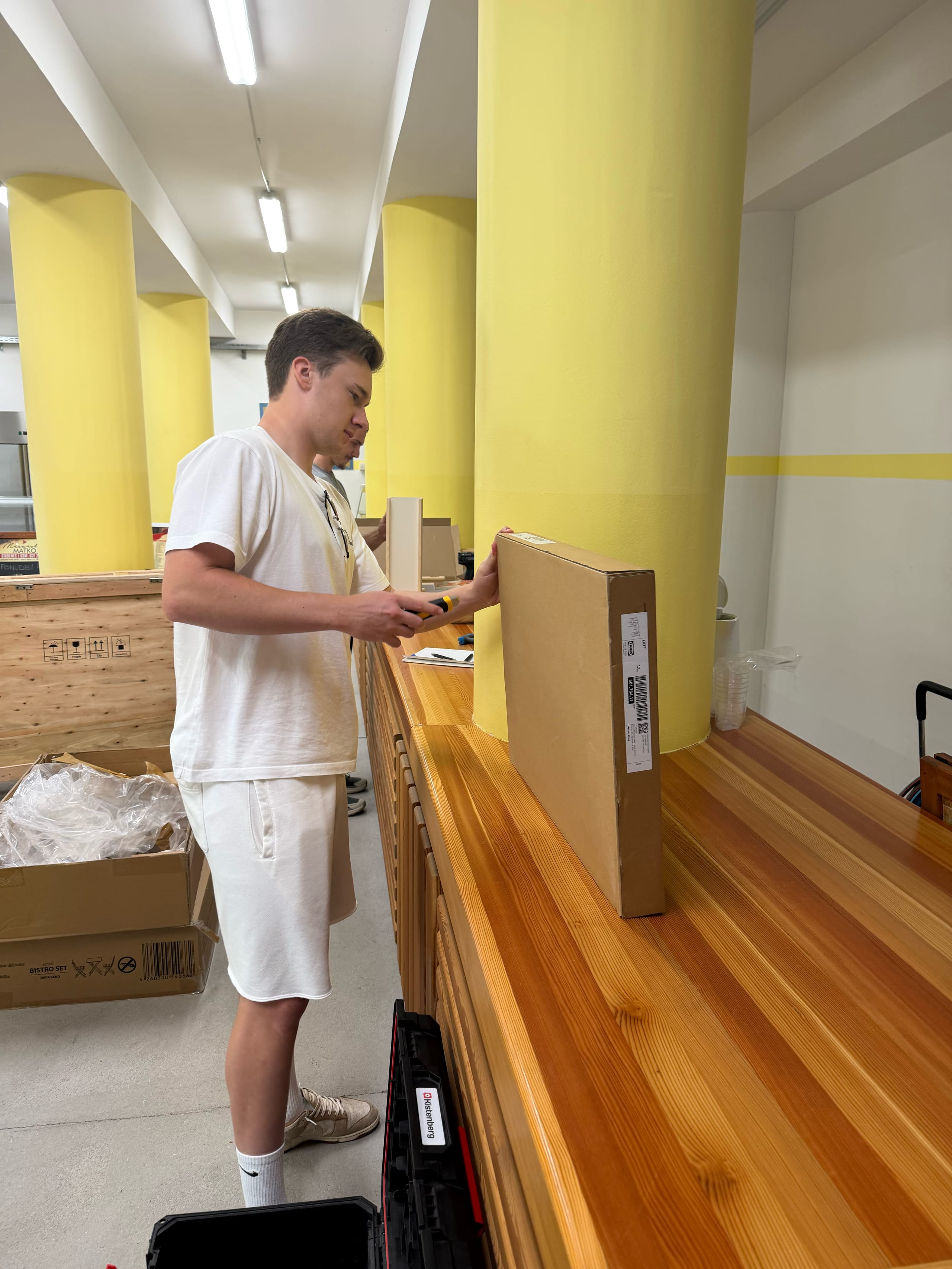
Gallery
In numbers
What the project covered
- custom software and interactive interface
- 55-inch touch display and Windows kiosk configuration
- interactive content and game preparation
- hardware integration
- installation and commissioning on site
- testing, documentation and a signed acceptance record
- physical installation elements
- post-handover support
Capabilities
What this project proves
From source code to an installed solution, handed over ahead of schedule.
What a screen in a public space demands
A device in a public space does not live in office conditions. Many people touch it every day, children among them, nobody supervises it and nobody knows how to restart it. So more of the work goes into what the user never sees than into the content on screen.
- a locked environment the user cannot exit
- automatic start-up after a power cut
- content that returns to the start after a few idle minutes
- use without instructions and without staff present
- reachable for children and for a wheelchair user too
One supplier for the digital and the physical part
A public contract combining software, hardware, content and on-site installation usually involves several suppliers - and the trouble appears at the joins between them. The screen is delivered, the content is made, but nobody is accountable for the two working together in the real location.
Here the whole chain sat with one accountable party: development, configuration, content, installation, testing, documentation and post-handover support.
Delivered a month ahead of schedule
The contractual deadline was 1 September 2026. The solution was installed, tested and accepted a month before that, with a signed acceptance record.
On a project that includes not just software but a device, its installation on site and network access, deadlines usually slip on exactly those last steps - not on development. So the hardware was prepared and tested in advance, and installation was planned as a step with its own date rather than as something that happens once the code is done.
- hardware prepared and tested before arriving on site
- site and network access arranged in advance
- installation as a separate step with its own deadline
- the acceptance record signed at handover
What Zdravo jem is
Zdravo jem is not a website about nutrition, and not an app anyone downloads. It is an interactive digital platform built for use on a large touchscreen in a public space - a digital culinary assistant that guides the visitor through the content rather than handing it over to be read.
- healthy eating and choosing food
- local and good-quality food
- the path of food from source to plate
- practical decisions when buying and cooking
The difference is that the user works with the content rather than reading it. That was the point: bringing the subject to people who stop in front of a screen for a few minutes and then move on.
Designing for someone standing at the screen
The user experience for a 55-inch portrait screen has little in common with a website. The user is standing, has no mouse, will not read long text, and has nobody to explain what to do next. Everything has to be obvious within seconds.
- large elements and buttons, reachable while standing
- as little text as possible, clear categories
- navigation that needs no instructions
- operation by touch and gesture
- a layout built for portrait, not an adapted landscape one
- automatic return to the start screen after inactivity
Why it does not look like a municipal portal
An institutional look would push the content away from the very people meant to use it - from children and teenagers to older visitors. So we went in a direction that feels modern and friendly while staying serious: cream tones, a muted pastel dark blue and soft supporting colours.
The goal was for it to feel like a digital product, not an official information system that happened to end up on a touchscreen.
The two games that carry the content
Part of the content is built as a game, because that is remembered far better than text on a screen. Instead of reading an article, the user completes a task.
From Farm to Plate
The user walks the path of food: origin, growing, processing, distribution, preparation and the finished meal. Each step is something they do, not something they read.
Market Detective
This one is about choosing food and deciding: recognising good-quality products, the traits of individual foods, and the information worth checking when buying.
A kiosk is not a screen but a self-contained device
For a solution that has to run unattended in a public place, hardware is part of the decision. A screen without an adequate computer behind it stalls once the interactive content grows, and a system without a locked mode is one the user will leave - deliberately or by accident.
- a 55-inch portrait indoor touchscreen
- 4K resolution and touch responsiveness
- an Intel Core i5-class computer with 16 GB of memory and an SSD
- a locked kiosk mode with no way out of the application
- automatic start-up and stable continuous operation
- power, network and physical installation on site
Part of the preparation was access to the location and to the network, so the system could be set up and tested before handover.
What the scope covered
The project was not screen design or a prototype for a presentation but the development of the first fully usable version of the product - one that actually works on site.
- requirements analysis and solution concept
- UX design and interface design
- development of the application and its interactive parts
- adaptation for touchscreen use
- preparation and integration of the content
- hardware and kiosk-mode configuration
- testing and defect resolution
- on-site installation and acceptance
Our role was not only development
We were selected through a public procurement procedure. That meant demonstrating capability before delivery and formally handing the solution over afterwards - both against criteria set by the client.
In a project combining software, hardware, content and on-site delivery, somebody has to hold it all together. On Zdravo jem that was our part: from the first conversation with the client to signing the acceptance record.
- client communication and requirements analysis
- concept and technical design
- selecting and preparing the kiosk
- coordinating the build and the testing
- organising the on-site installation
- documentation and acceptance
- support after handover
On a project like this the acceptance record is more than a formality - with it the client confirms that the solution works on site, not merely that it was delivered.
Built so it is not tied to one location
The kiosk is one entry point, not the whole system. The solution is prepared so the same content can extend to a mobile application and a web version - at which point the physical kiosk becomes one channel of a wider platform the user can also reach at home.
- content separated from the device it runs on
- extension to a mobile app and the web
- several locations under one system
- monitoring and defect resolution after handover
- updates as environments and browsers change
Related reading
Want a similar project?
For Municipality of Sevnica we delivered: public sector, software, interactive systems, hardware. Tell us what you need. We will reply by email.
Add phone and company
Related solutions
Sounds like your project?
Send us the project description, your existing system, the tender documents or the event date.
Or email info@epix.si